Overhead line design tools you won't find anywhere else
Purpose-built calculators for:
- Pole loading & serviceability index
- Cross-section mapping & section properties
- Design wind pressure to AS/NZS 1170.2 & AS/NZS 7000
- Bending capacity along a pole
- Residual strength factor
- Network reliability simulator
- Soil profile generator (global)
- Crossarm design
Each one distilled from work we do on real networks. All aimed at making your job easier, with minimal overhead.
Free to sign up — every calculator gives you one free calculation to try.
The calculators
Every tool stands on its own and every tool is free to try once. Pick the one that matches the problem in front of you.
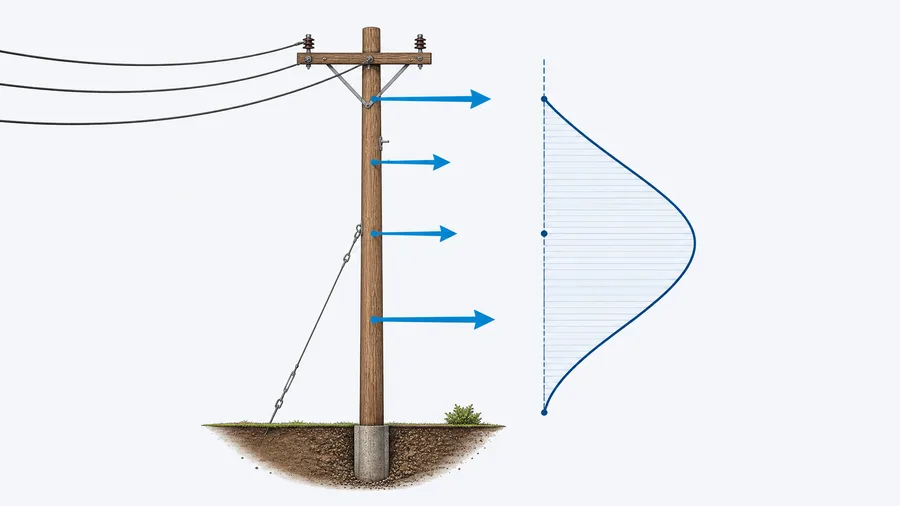
Pole Load & Serviceability Index
Know in minutes whether a pole passes or needs action.
Select a location on the map, pole and conductor properties, draw conductors and stays, add attachments and pole residual strength properties and the software calculated the design loads on the pole and the serviceability index.
- Full load-case build-up
- Pass / fail serviceability ratio
- Printable report
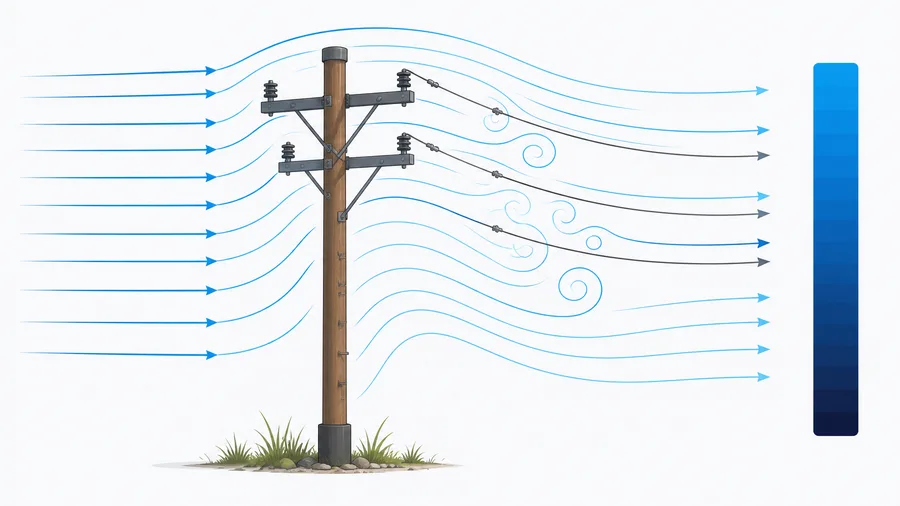
Design Wind & Degradation Factors
AS/NZS 1170.2 wind pressures without the spreadsheet wrangling.
Design wind pressures for conductors and poles using AS/NZS 1170.2 and AS/NZS 7000. Every terrain and span scenario. Resolve appropriate degradation factors for different pole materials based on required risk. Topographic multipliers calculated based on pole location on a map.
- AS/NZS 1170.2-2021 & 7000-2016
- All terrain categories side by side
- Degradation factors included
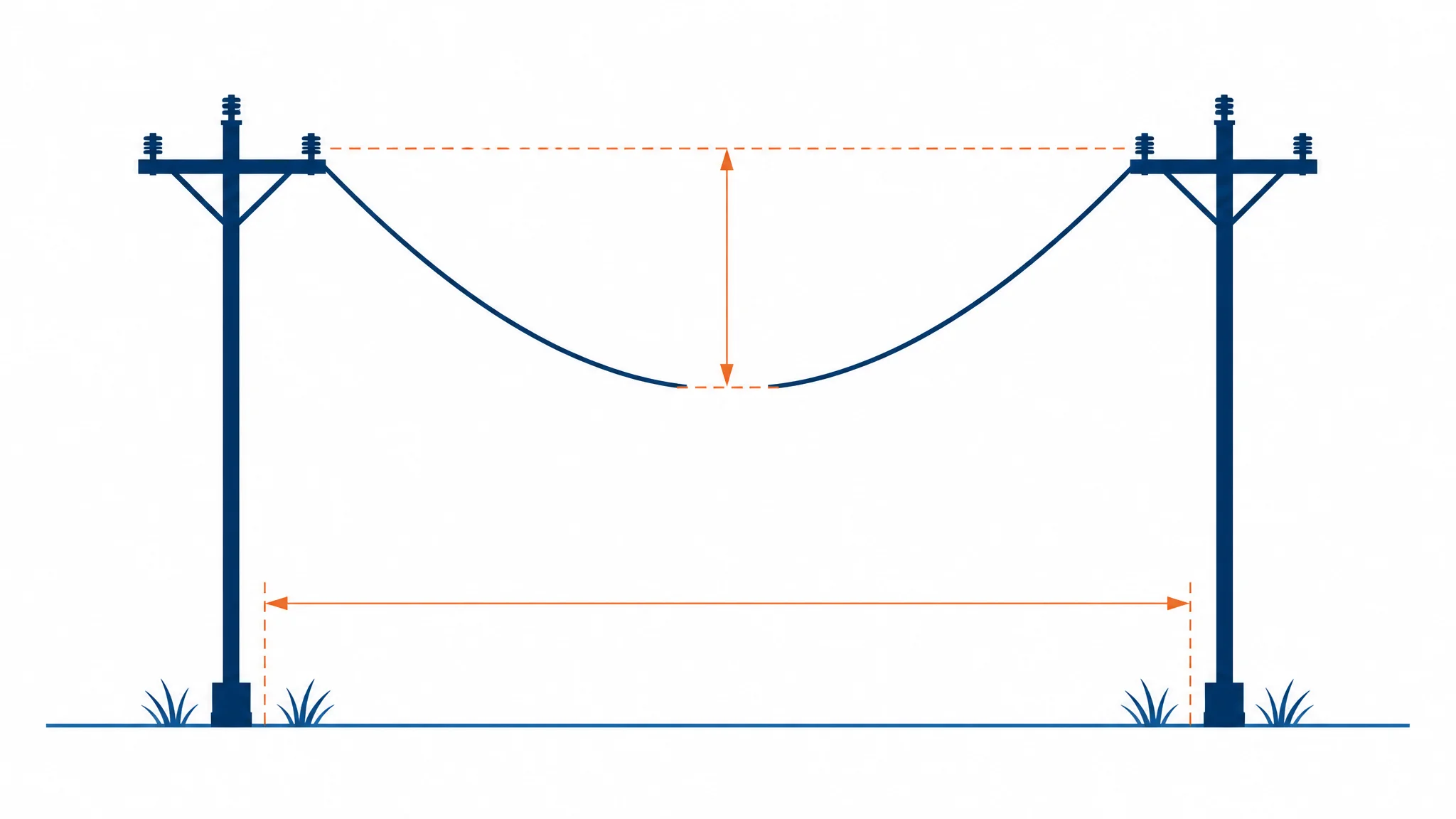
Span Sag & Stringing Tension
Stringing sag and tension across the full temperature range.
Compute conductor sag and horizontal tension from a known stringing condition using the parabolic change-of-state equation. Enter the ruling span, pick a conductor and see the full sag/tension table and chart across temperature, plus an optional wind and/or ice loaded case.
- Change-of-state sag & tension
- Stringing table across temperature
- Optional wind & ice load case
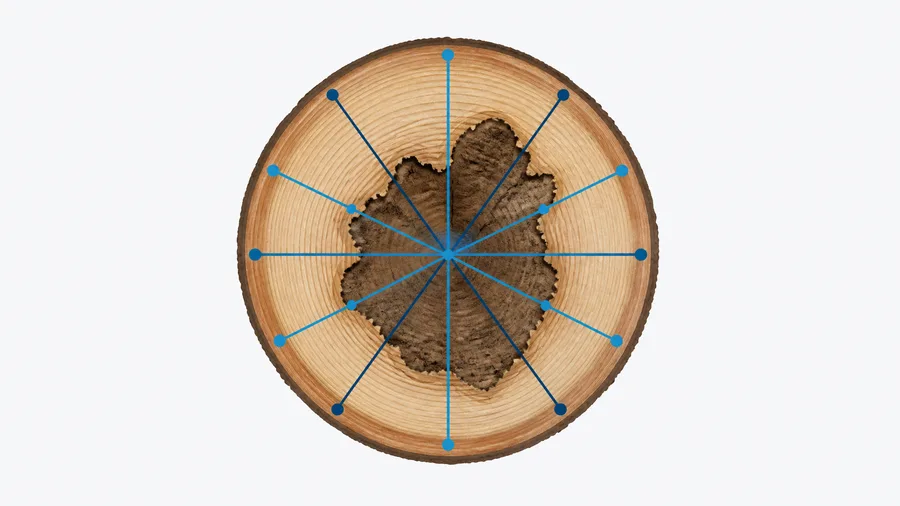
Section Capacity and NDT Comparison
Turn field drill readings into a real section modulus.
Map section properties based on scaled cross-section images. Calculate section properties based on number and location of good wood readings (e.g. IML results), and compare and collate results from multiple different NDT equipment for further comparison.
- Multiple IML arrangements
- Photo-based section mapping
- CSV export & report
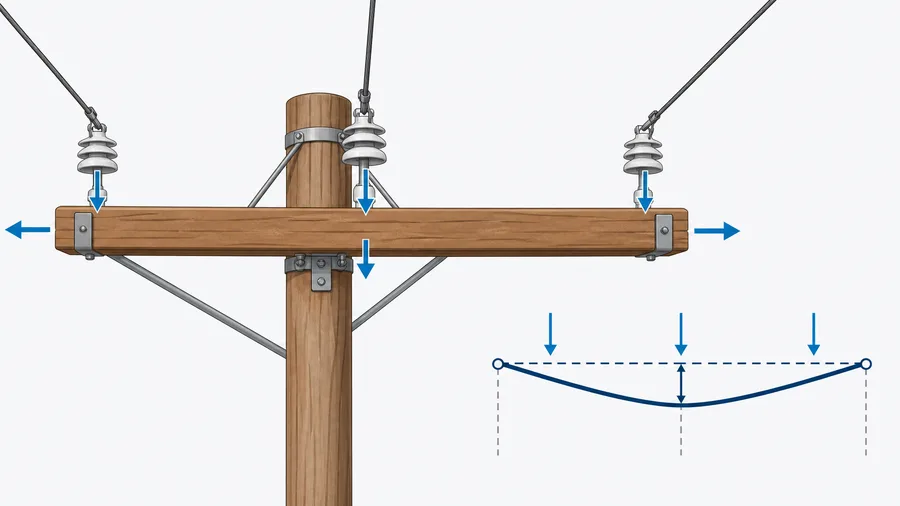
Crossarm Design Check
Crossarm tension and bending checks under maximum wind.
Check crossarm designs against bending, compression, tension and torsion under maximum wind conditions. Also use this to determine load capacities to use in design software that only takes capacities based on attachment point loads.
- Tension & bending under max wind
- Standard arrangements built in
- Instant arrangement comparison
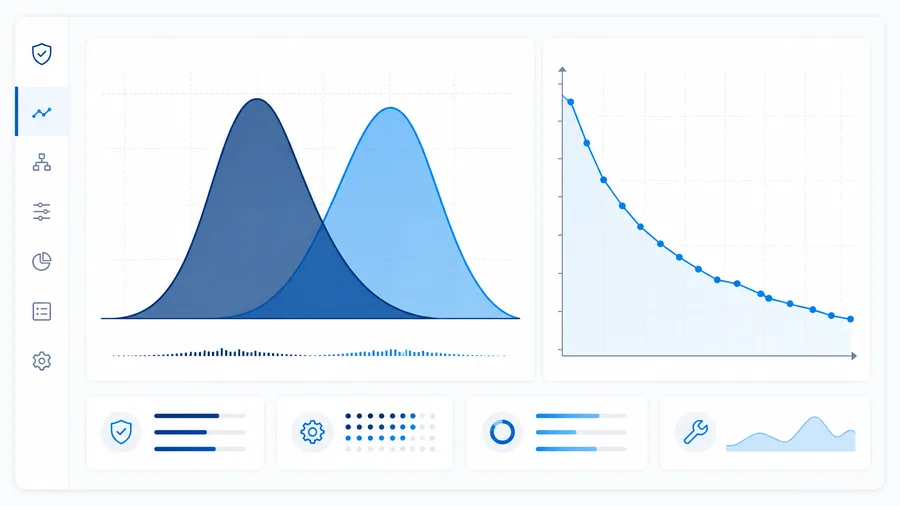
Population Reliability Simulator
Model failure rates across a whole pole population.
Run a Monte Carlo reliability simulation over a population of poles to see how failure rates move with age, strength group and inspection strategy. Built for asset managers who need to justify a replacement programme, not just a single pole.
- Monte Carlo across a population
- Age & strength-group distributions
- Failure-rate charting
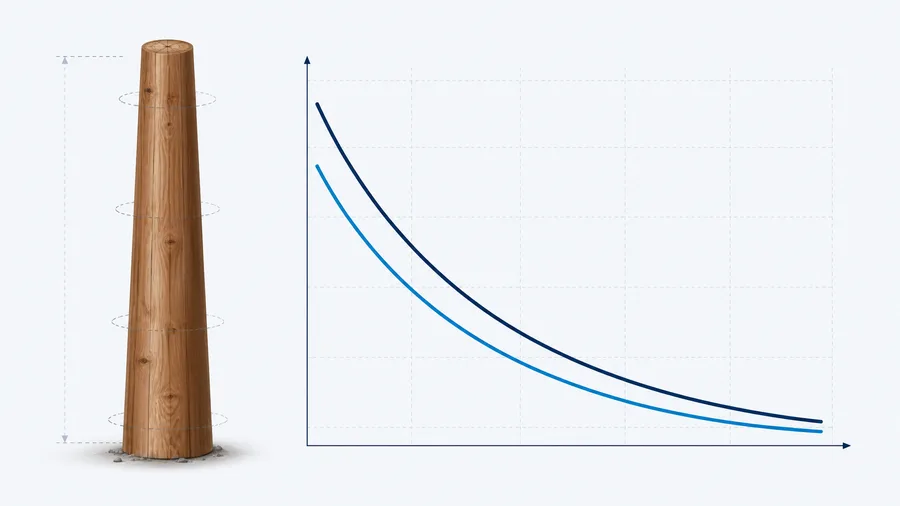
Bending Capacity vs. Height
See how capacity falls away up the length of the pole.
Plot bending capacity against location along the full length of the pole so you can visualise where the capacity may be lower than desired. Can be useful when looking at reinforcing systems.
- Capacity along the full length
- Finds the true critical section
- Taper and species aware
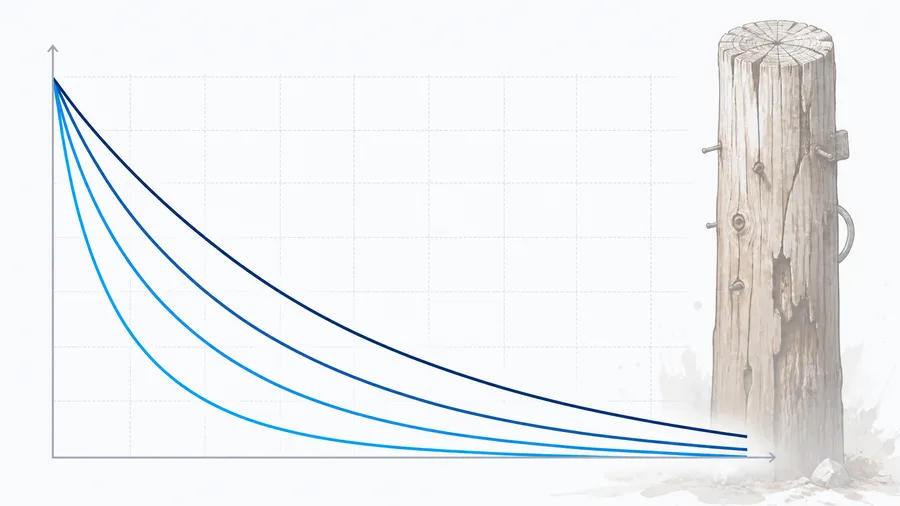
Residual Strength Factor
Strength degradation of aged timber, charted.
Get the residual strength factor for aged timber poles by age, characteristic strength percentile and strength group — as a single number or as a full curve. Useful on its own and consistent with the factors used throughout the rest of the suite.
- Single-point or full curve
- By age, percentile & strength group
- Consistent across the suite
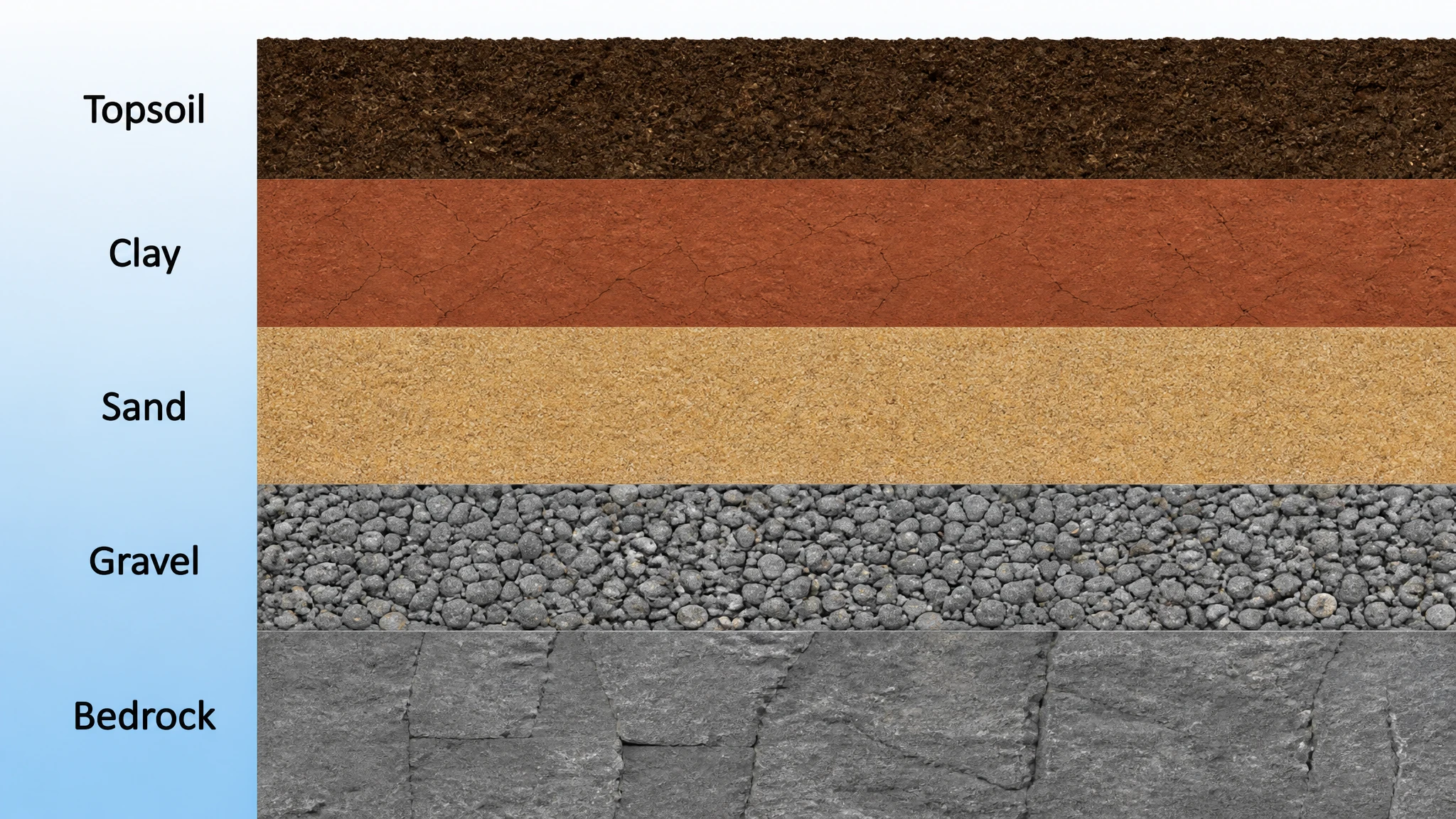
Soil Profile Generator
Pick a location, get soil properties.
Pick a location on a map to build a soil profile for use in LatPole or other foundation design software. Add borehole tests and other geotech data to improve the database over time (curated), or provide your data and we build your own soil profile map.
- Global coverage via public geology APIs
- Ausgrid PEC soil landscape overlay
- Upload & curate your own borehole data
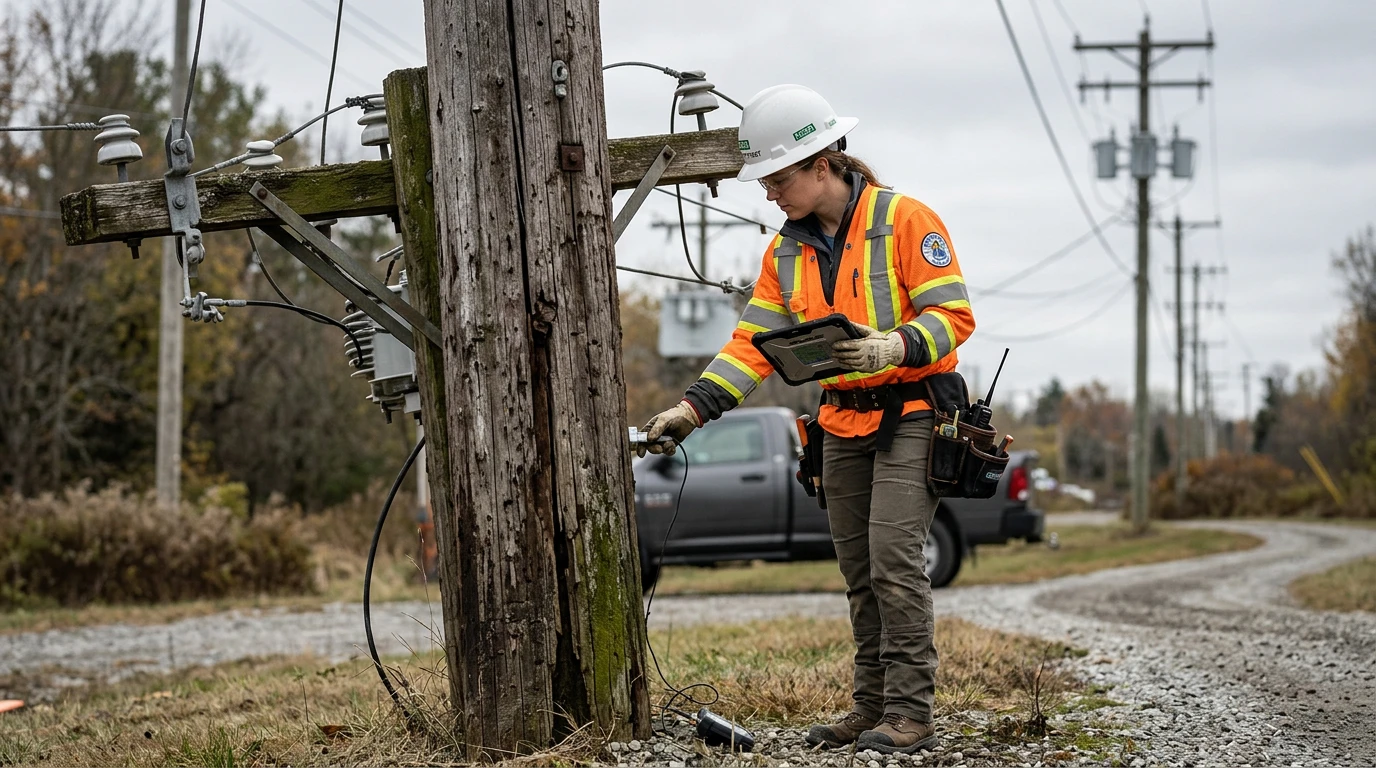
Pole Inspection & Risk
In-field condition, serviceability and consequence-based risk.
Capture a full in-field pole inspection — visual condition of every element, serviceability (simple index or detailed PSI measurement) and consequence-based risk scoring. Save geotagged photos with each record, keep every historic inspection, and generate a printable report or GIS export.
- Cascading visual condition assessment
- Serviceability & risk in one record
- Geotagged photos, reports & GIS export
Try before you subscribe
Signing up is free. Every calculator comes with one free calculation of its own, so you can run a real job through the tool that matters to you and see the output for yourself. Use one up and the rest are still there to explore — subscribe when you're ready to use them properly.
Free to sign up
No card needed to create an account and start looking around.
One free calculation per calculator
Eight tools, eight independent free runs.
Keep exploring
Using your free run in one tool never locks the others.
Subscribe when it earns its keep
One subscription unlocks unlimited use across the whole suite.

Made by CoEng
CoEng is a specialist overhead power consulting firm. Between them, our directors bring more than 70 years of combined experience in overhead line design, asset assessment and network management.
These calculators came out of that work. They are the tools we built because we needed them ourselves and couldn't buy them anywhere — the checks that normally live in someone's private spreadsheet, rebuilt properly, kept consistent with the standards, and made quick enough to use in the field.
Visit coeng.biz